




初始化设置
-
登陆用户
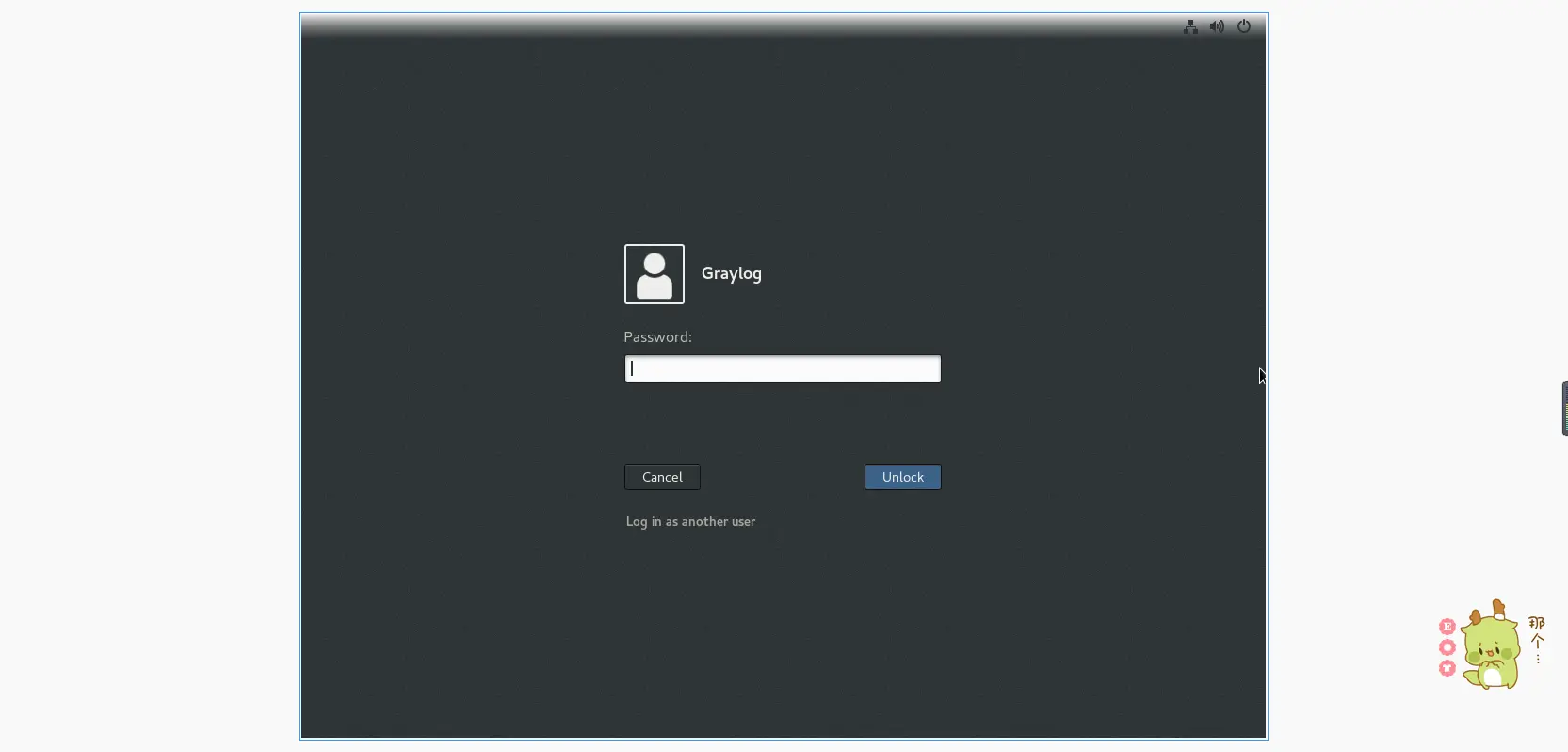
-
设置系统语言
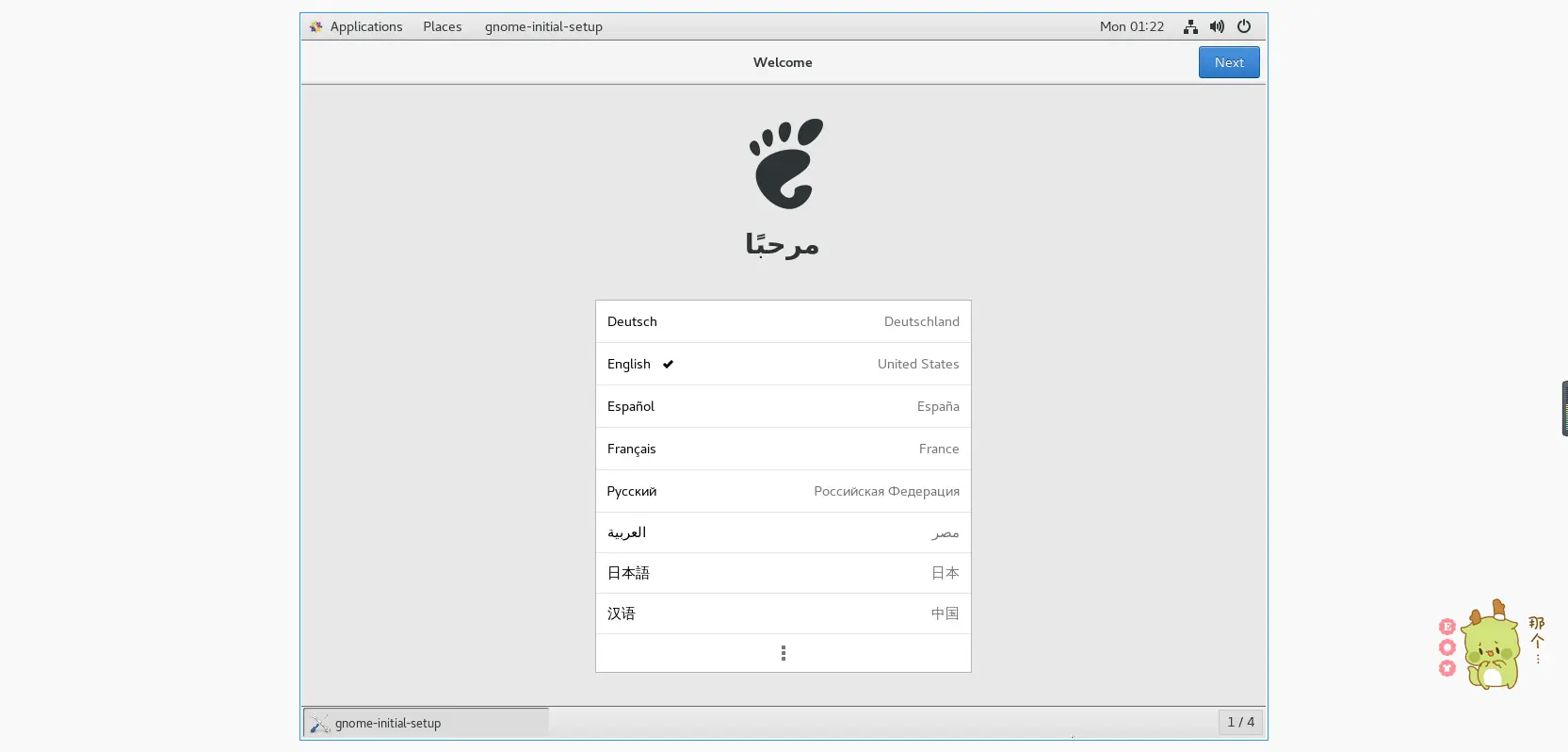
-
根据提示选择进行下一步,配置完成后即可开始试用Centos7。
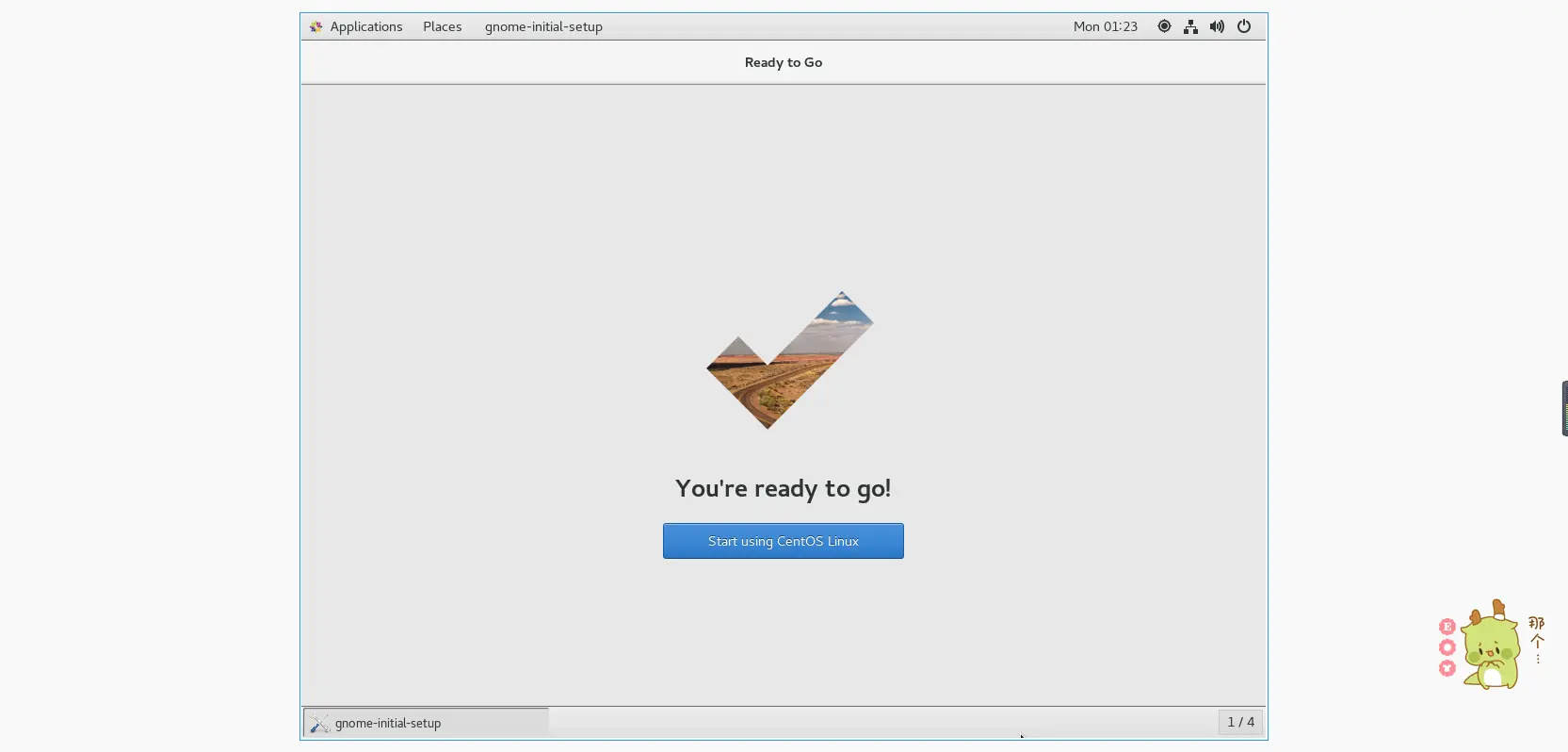
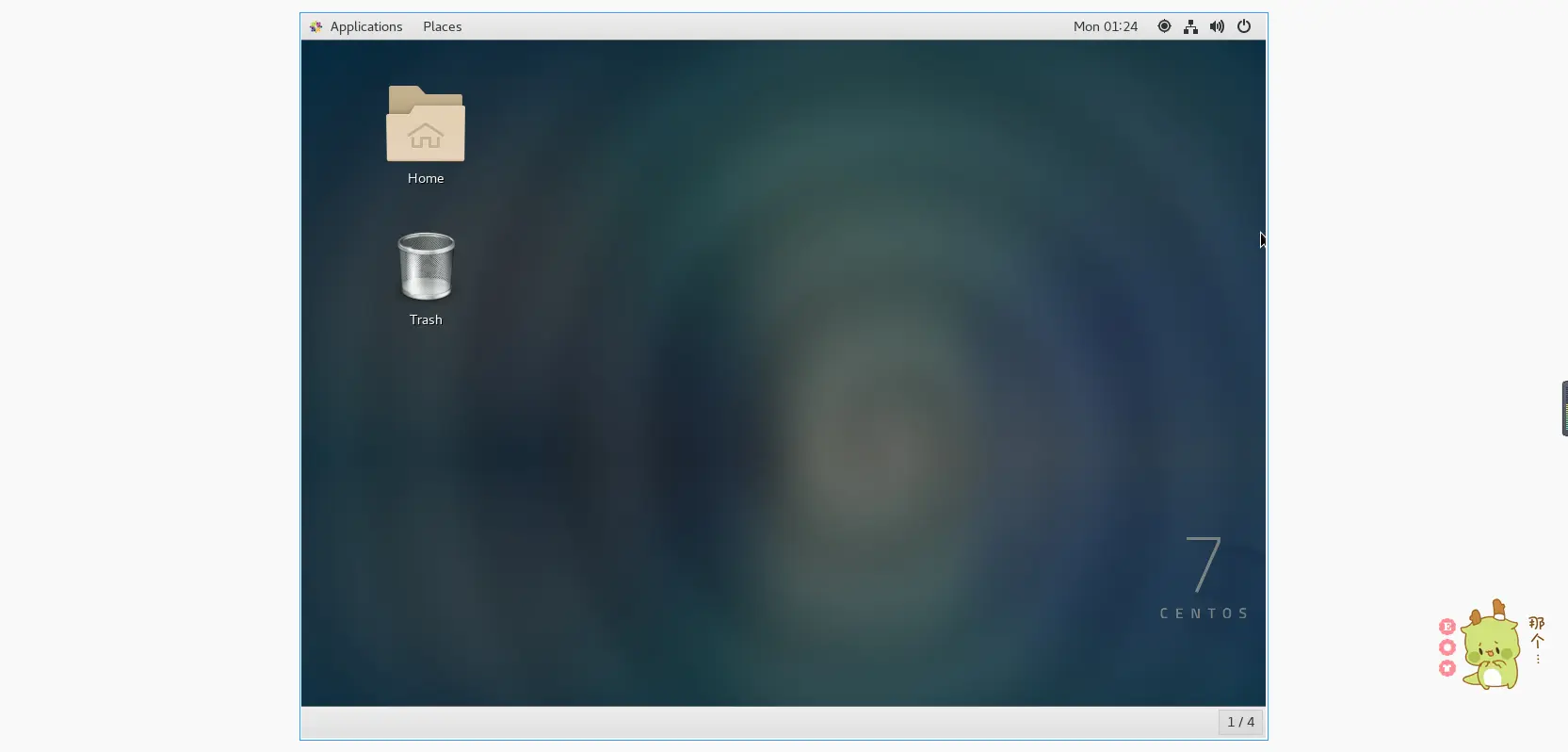
换源
系统默认使用的yum源在国内访问速度较慢,可以选择更换成国内的yum源,例如:aliyun、清华源、中科大。(本文仅介绍aliyun)
以下命令均在终端中操作(需要ROOT权限)。
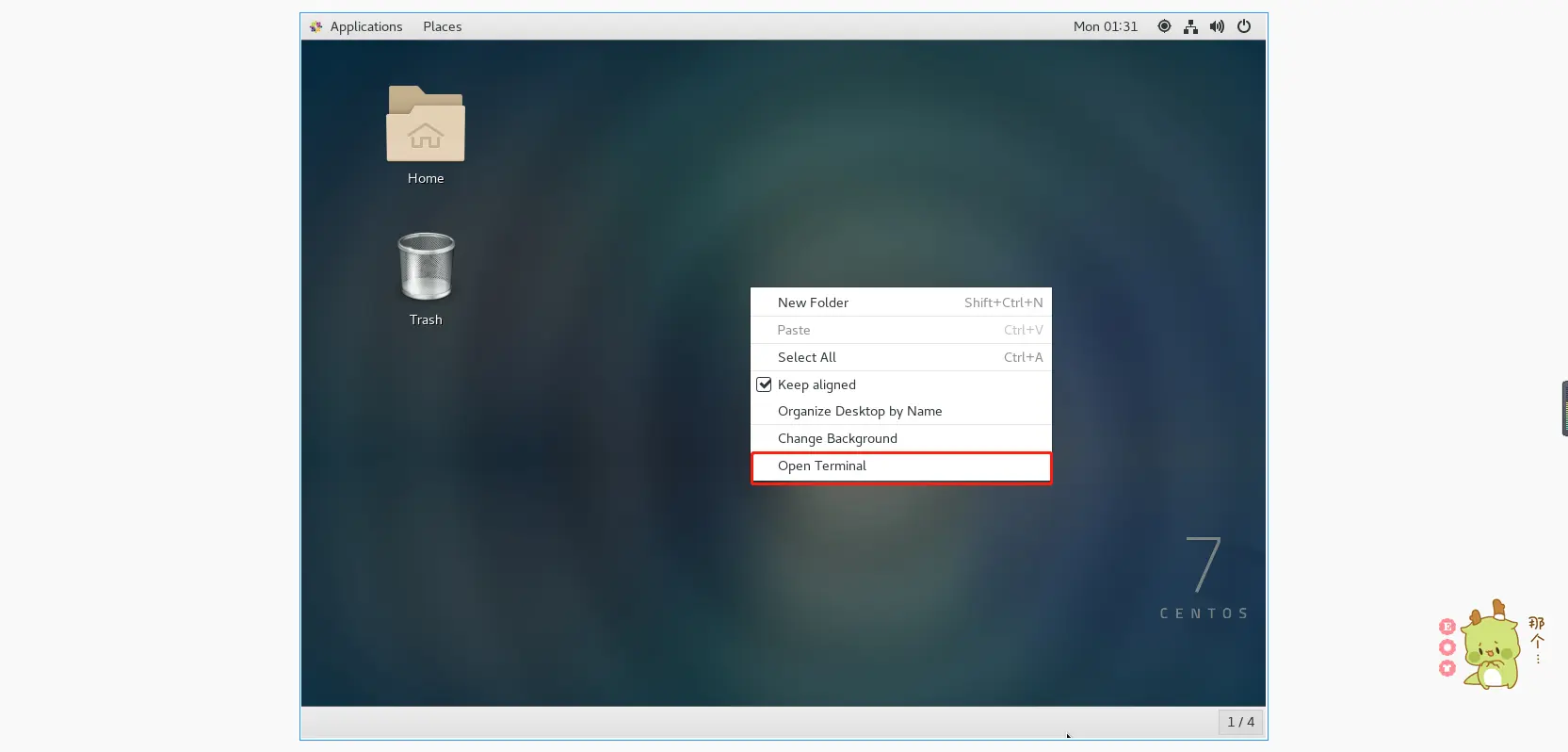
终端打开
主屏幕右键,选择打开终端即可
切换ROOT权限
终端输入<code>sudo -i</code>
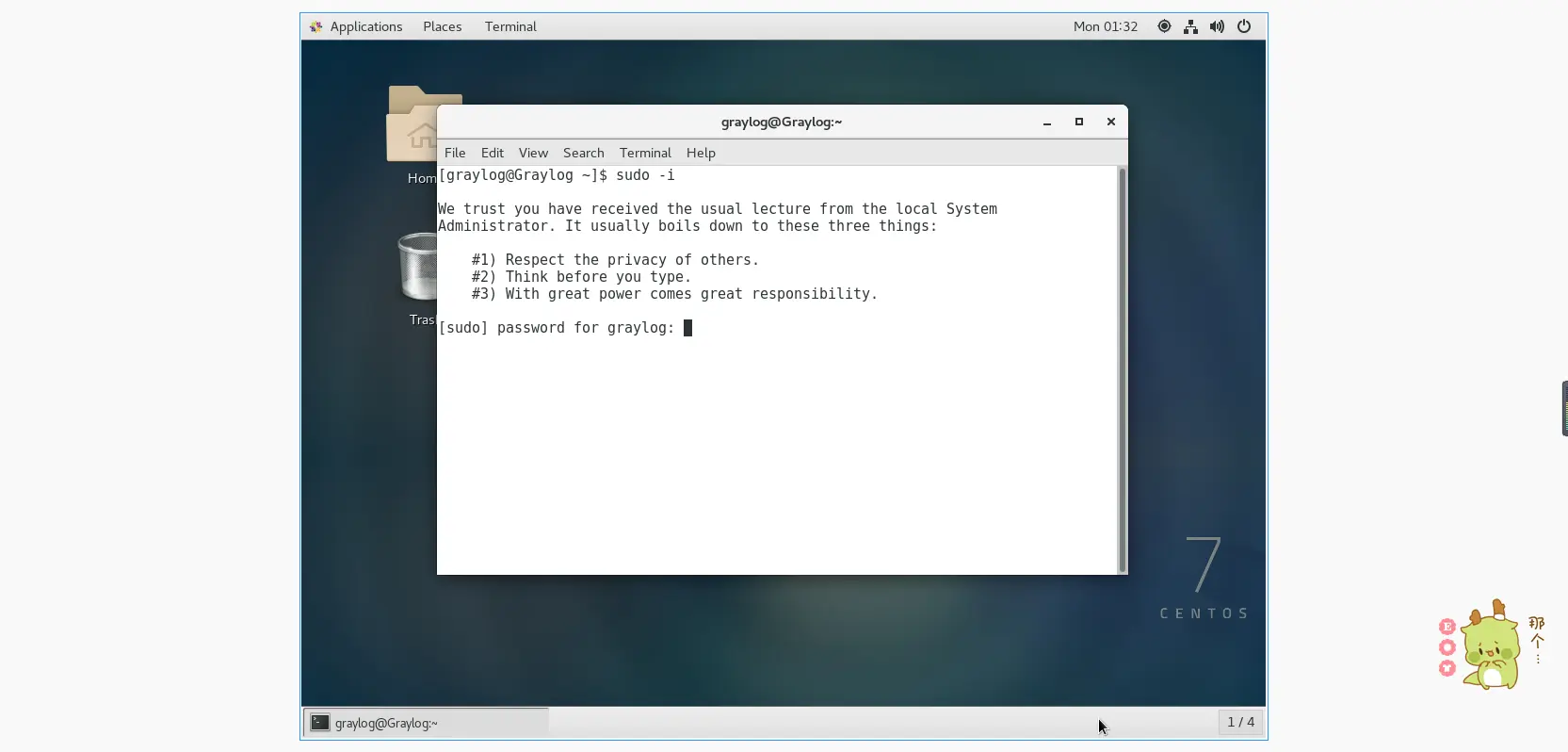
输入当前账户的密码即可(在输入密码时,密码会自动隐藏)。
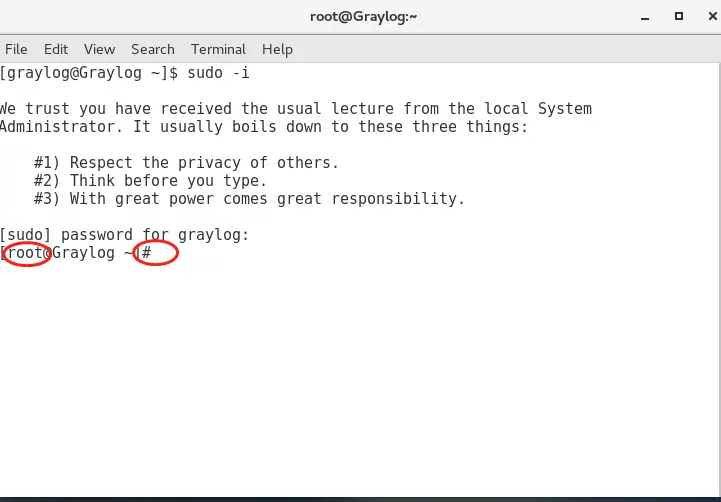
此时就是位于ROOT用户模式。
备份官方源
<code>mv /etc/yum.repos.d/CentOS-Base.repo /etc/yum.repos.d/CentOS-Base.repo.backup</code>
下载新的yum源并替换
wget -O /etc/yum.repos.d/CentOS-Base.repo https://mirrors.aliyun.com/repo/Centos-7.repo
#或者
curl -o /etc/yum.repos.d/CentOS-Base.repo https://mirrors.aliyun.com/repo/Centos-7.repo
生成缓存
yum makecache常见问题
非阿里云ECS用户会出现 Couldn't resolve host 'mirrors.cloud.aliyuncs.com' 信息,不影响使用。用户也可自行修改相关配置: eg:
sed -i -e '/mirrors.cloud.aliyuncs.com/d' -e '/mirrors.aliyuncs.com/d' /etc/yum.repos.d/CentOS-Base.repo安装常用工具
安装vim编辑器
yum install vim -y安装SSH服务
yum install openssh -y配置调整
-
使用VIM编辑器调整ssh服务配置
-
打开ssh配置文件
<code>vim /etc/ssh/sshd_config</code>
-
键盘上按下<code>i</code>或者<code>insert</code>键修改<code>PermitRootlogin</code>和 <code>PasswordAuthentication</code>为启用(默认被注释)
<code>PermitRootlogin yes</code>
<code>PasswordAuthentication yes</code>
-
保存并退出
首先按下<code>Esc</code>键,然后输入<code>:wq</code>
-
重启ssh服务
<code>systemctl restart sshd</code>
-
-
使用nano编辑器调整ssh服务配置
[button color="light" icon="" url="https://github.com/skywind3000/awesome-cheatsheets/blob/master/editors/nano.txt" type=""]nano中文命令速查表[/button]
-
打开ssh配置文件
<code>nano /etc/ssh/sshd_config</code>
-
修改<code>PermitRootlogin</code>和 <code>PasswordAuthentication</code>为启用(默认被注释)
PermitRootlogin yes PasswordAuthentication yes -
保存并退出
按下<code>ctrl+o</code>输入<code>Y</code>保存
按下<code>ctrl+x</code>退出 -
重启ssh服务
<code>systemctl restart sshd</code>
-
-
使用echo修改ssh配置
echo -e "PermitRootlogin yes \nPasswordAuthentication yes" >> /etc/ssh/sshd_config systemctl restart sshd ``` -
使用sed修改ssh配置
 sed -i "s|#PermitRootlogin.*|PermitRootlogin yes|g" /etc/ssh/sshd_config

 sed -i "s|#PasswordAuthentication.*|PasswordAuthentication yes|g" /etc/ssh/sshd_config

 systemctl restart sshd
安装net-tools
<code>yum install net-tools -y</code>
使用ssh远程连接虚拟机
-
Win10&Win11
打开命令提示符输入:
ssh 虚拟机用户名@虚拟机ip地址 -
Linux
打开终端输入:
ssh 虚拟机用户名@虚拟机ip地址
Comments NOTHING