



PVE9发布有一段时间了,看到挺多文章说PVE9有很大的提升,强烈的引发了折腾的欲望,此文仅记录我的升级过程。
参考官方教程:传送门
准备工作
根据文档说明,先确保自己的系统在8.4.1,如果只是单节点的话可以直接看webui来查看当前版本

如果是位于集群,则最好去每一个节点单独通过shell查询:
pveversion
我当前这个节点是8.4.0,并非8.4.1,因此需要先升级到8.4.1,由于是小版本升级,直接用debian的升级方式进行升级:
apt update
apt dist-upgrade
pveversion
更新完后确保当前是8.4.x,然后再继续下面的升级检查
pve8to9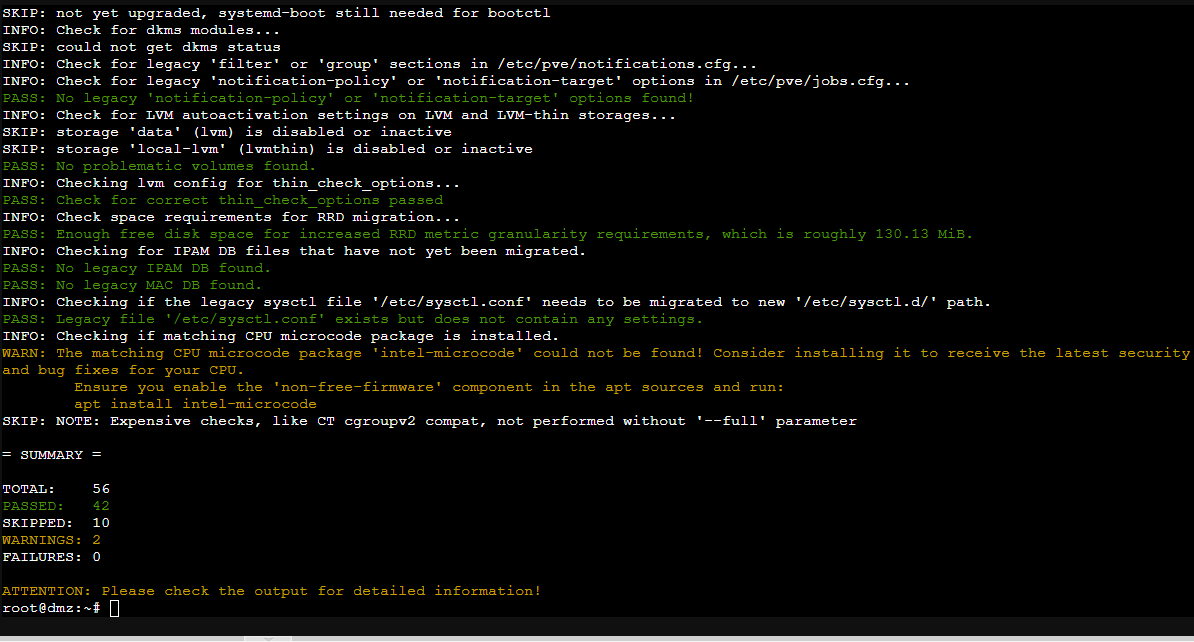
这里的橙色警告可以h忽略,只要没有failed就行,这段有安装intel-microcode的警告,提示没有找到这个东西,可以手动安装下,也可以忽略
apt install intel-microcode -y安装完最好先重启下,然后再执行下升级检查 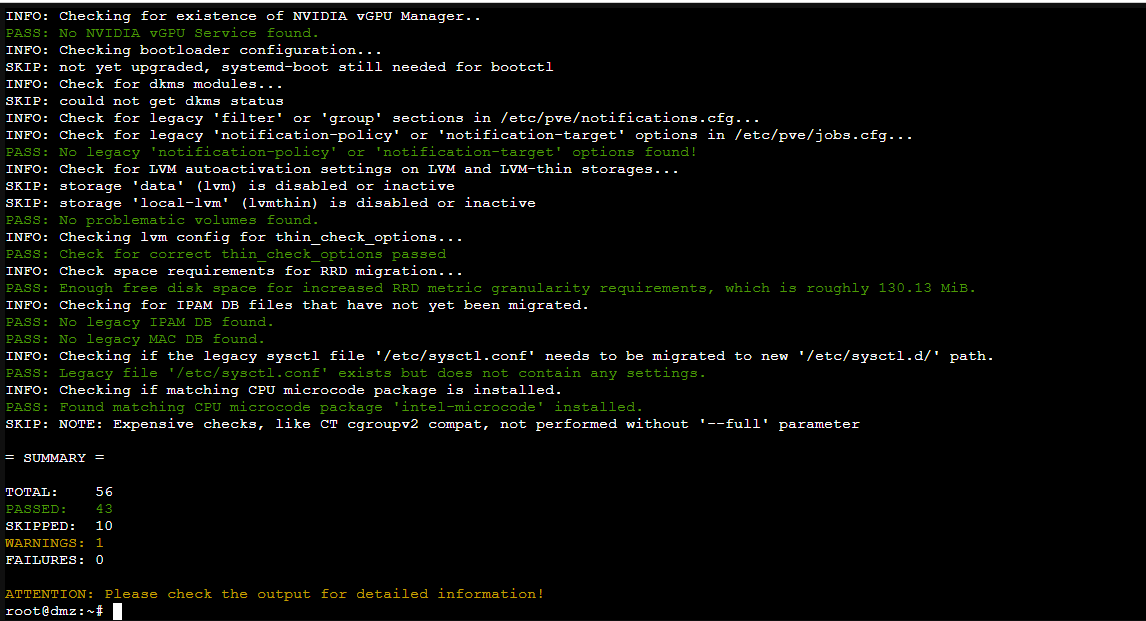
现在就可以继续下一步了,更换软件源
换源
将当前的源全部换成最新的,下面使用中科大的镜像源
debian源
先将旧的源备份,然后直接创建全新文件
mv /etc/apt/sources.list /etc/apt/sources.list.bak
# 如果是DEB22格式
mv /etc/apt/sources.list.d/debian.sources /etc/apt/sources.list.d/debian.sources.bak

# 创建新的

cat > /etc/apt/sources.list.d/debian.sources <<'EOF'
Types: deb
URIs: http://mirrors.ustc.edu.cn/debian
Suites: trixie trixie-updates
Components: main contrib non-free non-free-firmware
Signed-By: /usr/share/keyrings/debian-archive-keyring.gpg

Types: deb
URIs: http://mirrors.ustc.edu.cn/debian-security
Suites: trixie-security
Components: main contrib non-free non-free-firmware
Signed-By: /usr/share/keyrings/debian-archive-keyring.gpg
EOF
Prxomox源
同样的,先备份,再新建
mv /etc/apt/sources.list.d/pve-install-repo.list /etc/apt/sources.list.d/pve-install-repo.list.bak

# 新建

cat > /etc/apt/sources.list.d/pve-no-subscription.sources <<EOF
Types: deb
URIs: https://mirrors.ustc.edu.cn/proxmox/debian/pve
Suites: trixie
Components: pve-no-subscription
Signed-By: /usr/share/keyrings/proxmox-archive-keyring.gpg
EOF
Ceph源
mv /etc/apt/sources.list.d/ceph.list /etc/apt/sources.list.d/ceph.list.bak
cat > /etc/apt/sources.list.d/ceph.sources <<EOF
Types: deb
URIs: https://mirrors.ustc.edu.cn/proxmox/debian/ceph-squid
Suites: trixie
Components: no-subscription
Signed-By: /usr/share/keyrings/proxmox-archive-keyring.gpg
EOF
升级
更换完上面的三个源之后就可开始升级
apt update

# 接着再次执行升级前检查
pve8to9

# 没有failed后升级
apt dist-upgrade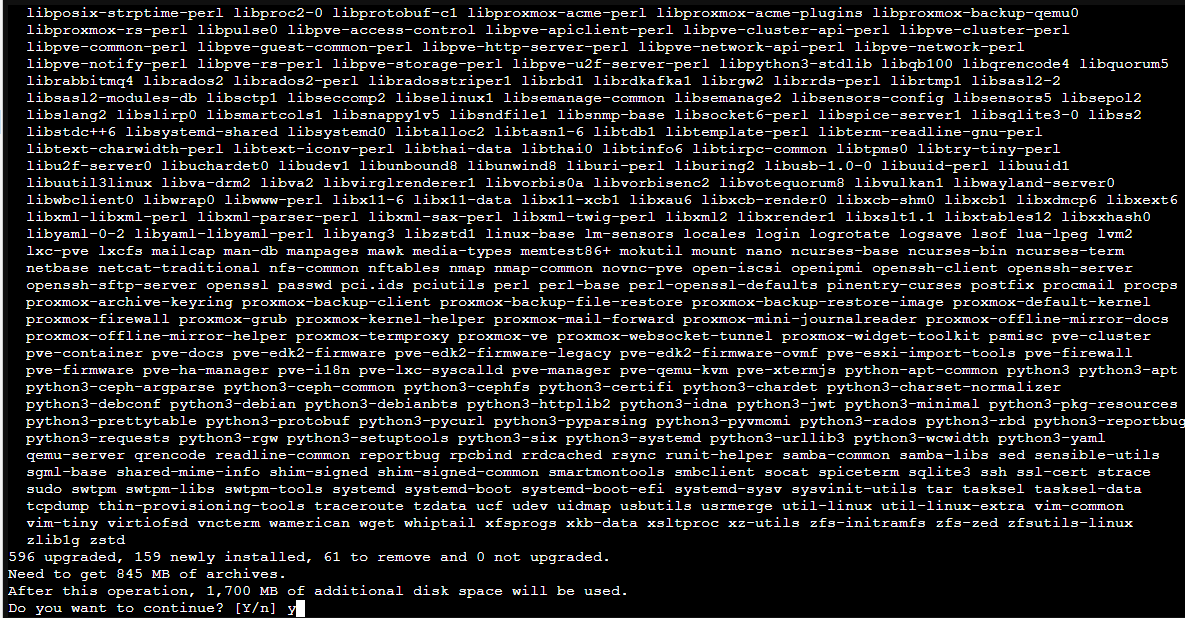
中途可能出现需要重启的提醒
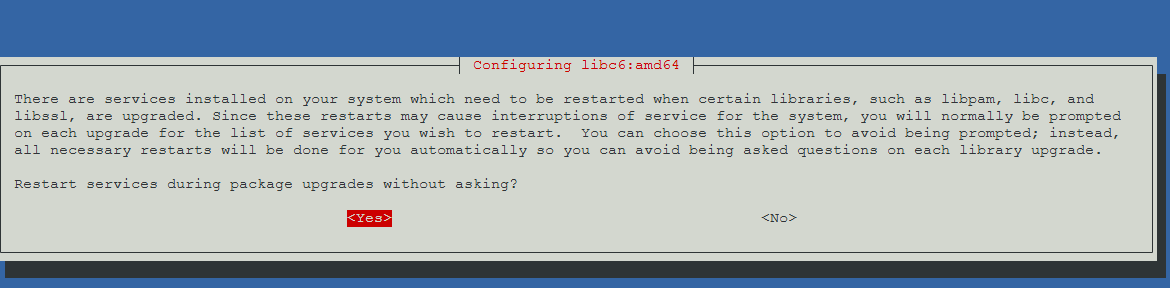
可以选择yes让它后台静默处理,然后静静等待安装,几分钟后安装完成
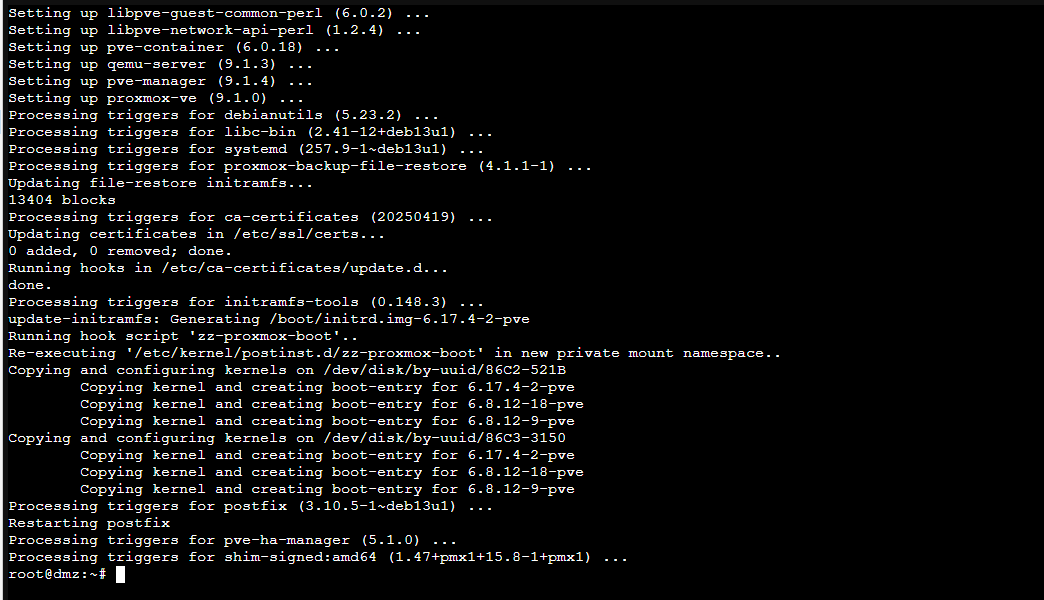
建议再用pve8to9检查下
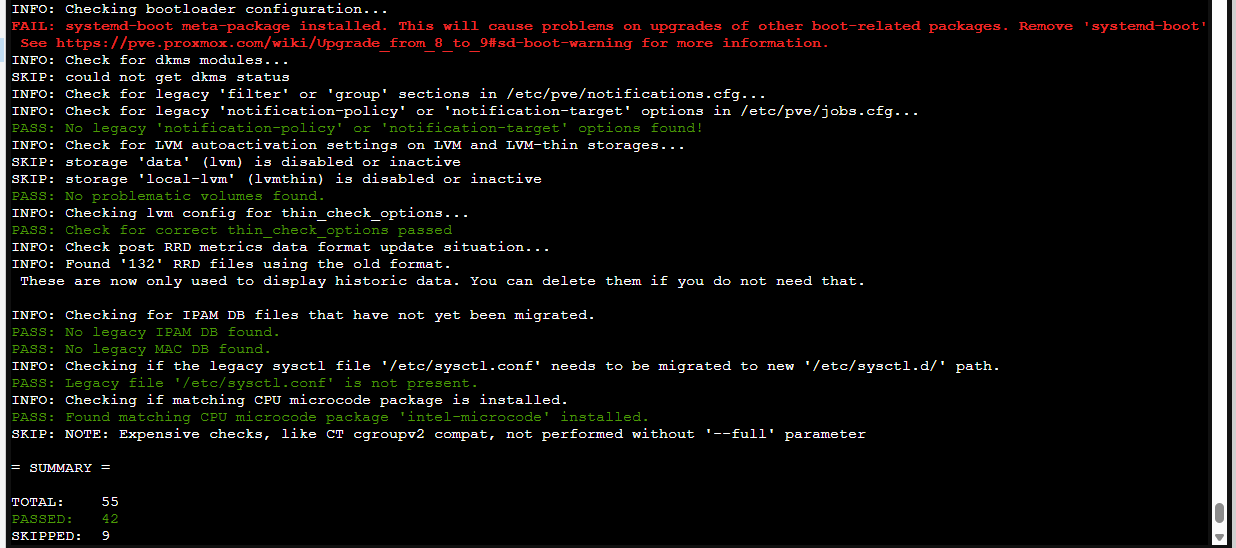
这里出现了一个爆红的错误,需要卸载systemd-boot
apt remove systemd-boot最后再检查一下是否还存在错误,没有的话然后重启机器,并在启动后查看版本
reboot
pveversion
Comments NOTHING