



很无奈,在小鸟云买的裸金属服务器居然默认只有debian10以及老掉牙的ubuntu16(不理解且大为震惊),眼前一黑一脸绝望,只能咬牙手动从D10一步一步往上升,小小做一回赵高

接下来直入正题,ssh到这台机器开始后续操作
从Debian10 到 Debian11
由于是刚拿到的新系统,也没什么需要备份的地方,直接开始先update一下。
apt update又是眼前一黑,更新不动,看着像是内网的镜像,一看镜像源果然如此,并且无法使用,无话可说,换源吧

找了很多源,最终还是腾讯云的软件源好用:
原地址: https://mirrors.cloud.tencent.com/help/debian.html
cat >/etc/apt/sources.list<<EOF
deb http://mirrors.tencent.com/debian-archive/debian buster main contrib non-free
# deb-src http://mirrors.tencent.com/debian-archive/debian buster main contrib non-free
deb http://mirrors.tencent.com/debian-archive/debian buster-updates main contrib non-free
# deb-src http://mirrors.tencent.com/debian-archive/debian buster-updates main contrib non-free
deb http://mirrors.tencent.com/debian-archive/debian-security buster/updates main contrib non-free
# deb-src http://mirrors.tencent.com/debian-archive/debian-security buster/updates main contrib non-free
EOF

apt update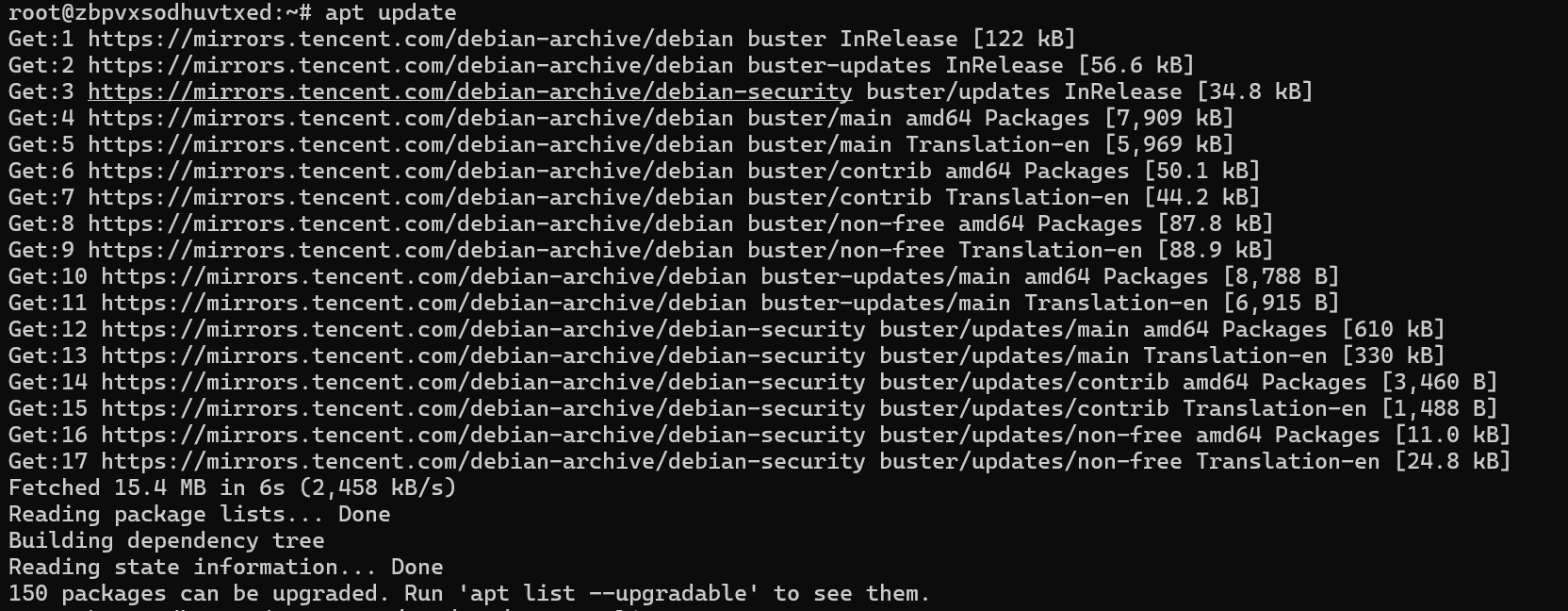
接下来是将所有包更新到最新版
apt upgrade
apt full-upgrade
取决于服务器的网速,需要消耗不同等分的耐心。

接下来再次换源,换成debian11的源,然后再次更新源和包
cat >/etc/apt/sources.list<<EOF
deb http://mirrors.tencent.com/debian-archive/debian bullseye main contrib non-free
# deb-src http://mirrors.tencent.com/debian-archive/debian bullseye main contrib non-free

deb http://mirrors.tencent.com/debian-archive/debian bullseye-updates main contrib non-free
# deb-src http://mirrors.tencent.com/debian-archive/debian bullseye-updates main contrib non-free

# 安全更新使用主安全更新源(bullseye安全更新不在archive安全更新源中)
deb https://security.debian.org/debian-security bullseye-security main contrib non-free
# deb-src https://security.debian.org/debian-security bullseye-security main contrib non-free
EOF

apt update
apt upgrade
apt full-upgrade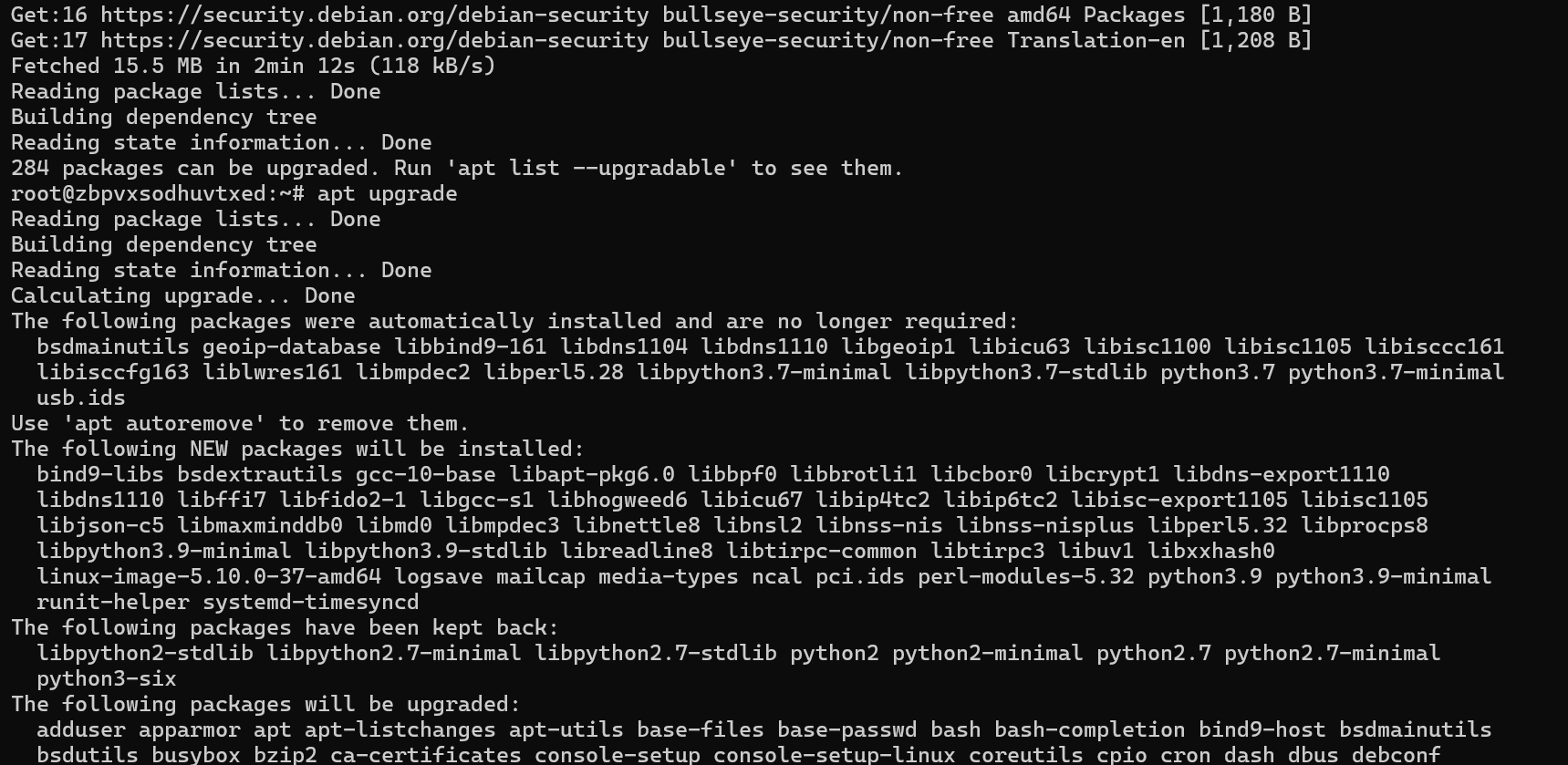

发现还有没走镜像的安全更新源,腾讯这边貌似没有,由于我耐心不足,不打算继续用它,直接换成中科大源
rm -rf /etc/apt/sources.list
cat >/etc/apt/sources.list.d/debian.sources<<EOF
Types: deb
URIs: http://mirrors.ustc.edu.cn/debian
Suites: bullseye bullseye-updates
Components: main contrib non-free
Signed-By: /usr/share/keyrings/debian-archive-keyring.gpg

Types: deb
URIs: http://mirrors.ustc.edu.cn/debian-security
Suites: bullseye-security
Components: main contrib non-free
Signed-By: /usr/share/keyrings/debian-archive-keyring.gpg
EOF

apt update
apt upgrade
apt full-upgrade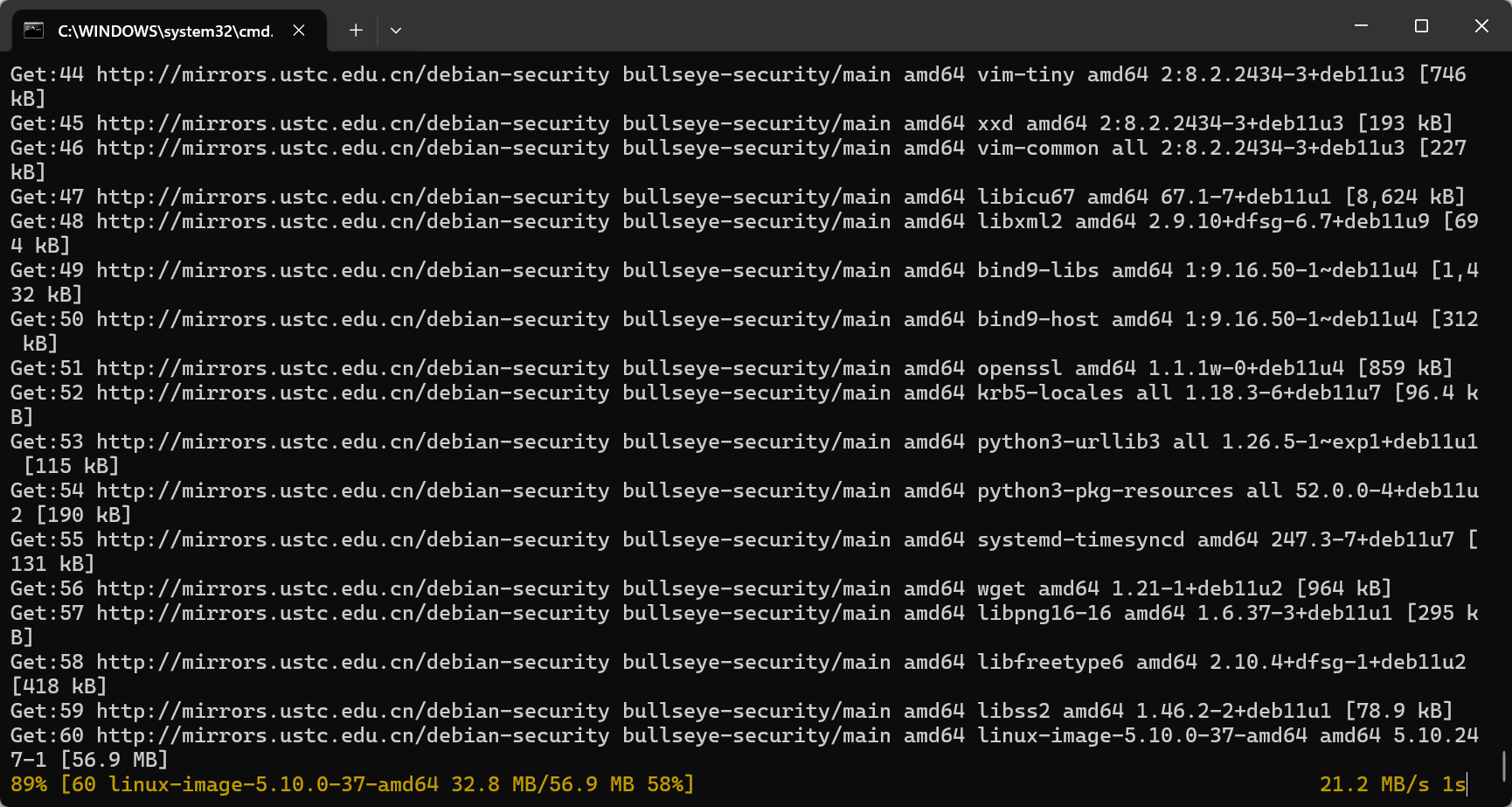
一下子就对味儿了,直接起飞,两三分钟结束后直接重启,然后进入下一轮
reboot等待系统开机后再次ssh到它开始下一轮的升级
从Debian11 到 Debian12
其实所做的操作一样,换源,更新,重启,由于中科大的源让我尝到了甜头,后面都用它了。
cat >/etc/apt/sources.list.d/debian.sources<<EOF
Types: deb
URIs: http://mirrors.ustc.edu.cn/debian
Suites: bookworm bookworm-updates
Components: main contrib non-free non-free-firmware
Signed-By: /usr/share/keyrings/debian-archive-keyring.gpg

Types: deb
URIs: http://mirrors.ustc.edu.cn/debian-security
Suites: bookworm-security
Components: main contrib non-free non-free-firmware
Signed-By: /usr/share/keyrings/debian-archive-keyring.gpg
EOF

apt update
apt upgrade
apt full-upgrade

reboot
这里由于没什么特殊的设置,本来不打算截图了,结果还是出了意外,磁盘空间不足。。。WTF?

查一下磁盘情况,大概率是旧的内核残留:
df -h
ls -lh /boot | grep vmlinuz
ls -lh /boot | grep initrd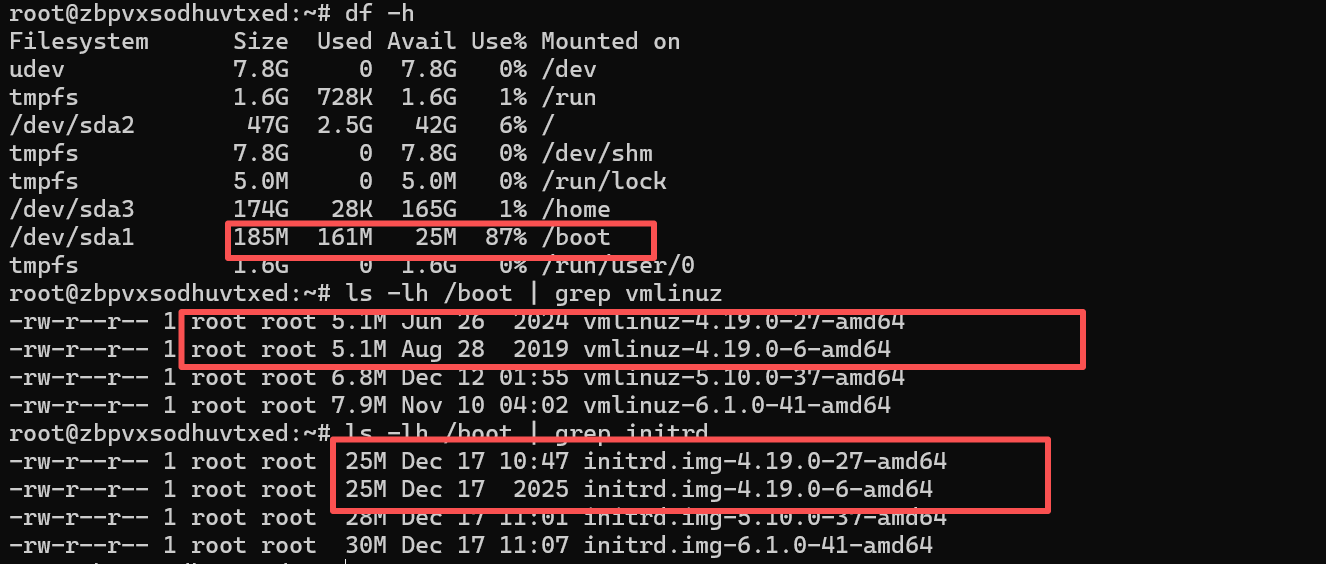
结果也是不出所料,删除旧的继续升级就行
apt remove linux-image-4.19.0-27-amd64
apt remove linux-image-4.19.0-6-amd64
apt autoremove

apt upgrade
apt full-upgrade
接下来进入下一级
Debian12 到 Debian13
这是一个枯燥的过程,做着重复的操作。
cat >/etc/apt/sources.list.d/debian.sources<<EOF
Types: deb
URIs: http://mirrors.ustc.edu.cn/debian
Suites: trixie trixie-updates
Components: main contrib non-free non-free-firmware
Signed-By: /usr/share/keyrings/debian-archive-keyring.gpg

Types: deb
URIs: http://mirrors.ustc.edu.cn/debian-security
Suites: trixie-security
Components: main contrib non-free non-free-firmware
Signed-By: /usr/share/keyrings/debian-archive-keyring.gpg
EOF

apt update
apt upgrade
apt full-upgrade

reboot
大功告成。无力吐槽
Comments NOTHING